Asper
MicroStep CAM software Asper® is the result of consistent customer driven improvement in the area of software applications for CNC machinery. It unifies the practical programming experience with long-term user know-how and intuitive, transparent way of operation.
Asper® provides tools for easy and fast creation of NC programs for different cutting technologies. Basic pack dedicated to straight-head cutting can be extended by a variety of specialized modules designed for concrete cutting applications with additional devices and eventually fitted to actual customer requests. With its transparent menu structure and enhanced functions Asper® represents a modern and powerful tool for NC programming. A network version allows to install Asper on a network drive with enabled access from several workstations.

Features
2D CAM software for intuitive and efficient manufacturing
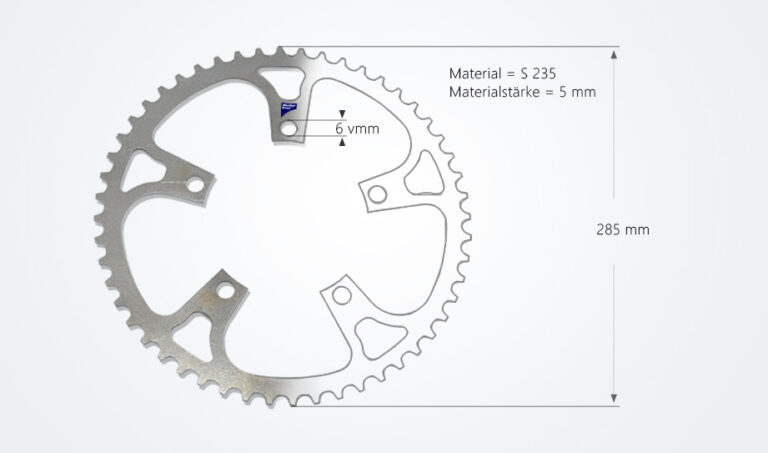
To allow you to fully concentrate on your products, our innovative software solutions help you to intuitively translate drawings and cutting plans into finished components.
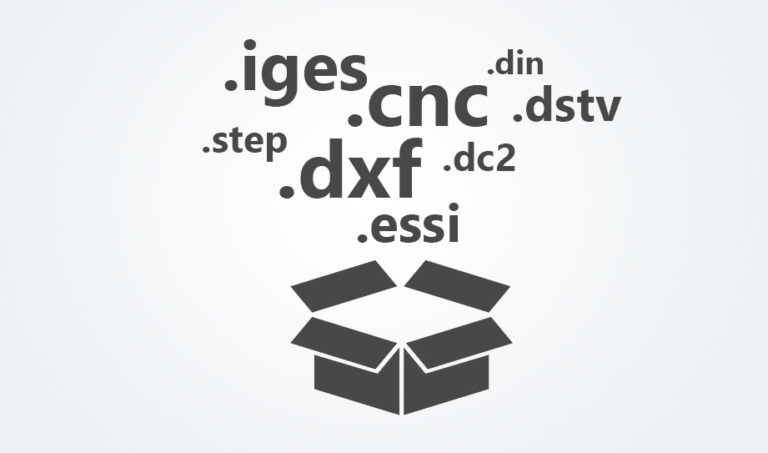
With Asper®, you can load your parts in various formats (DXF, ESSI, CNC, DC2, IGES…) from the Machine Manager app, from a network location or a USB drive and quickly convert them into a CNC program.
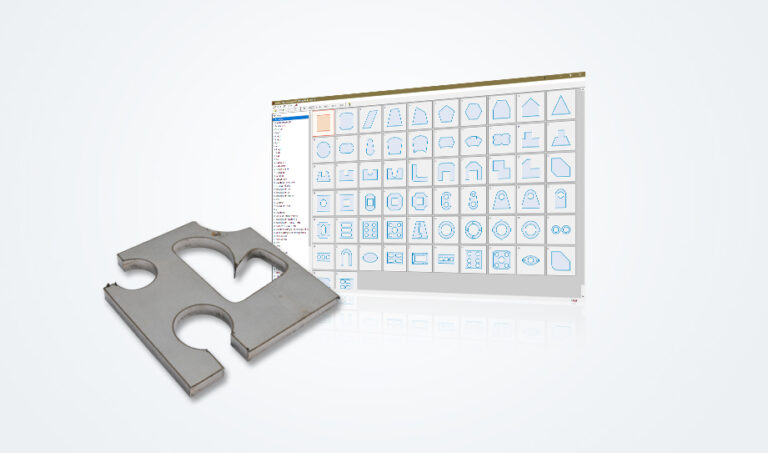
Choose from a large selection of standardized parts and adapt them to your requirements with just a few clicks, saving time on recurring parts.
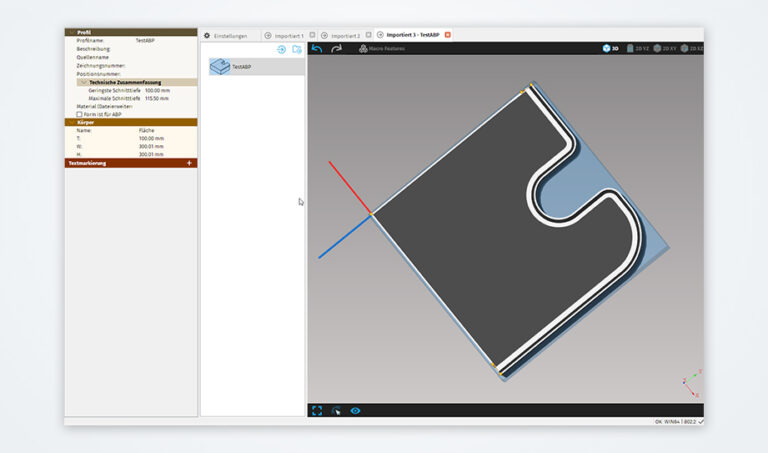
Asper® provides a powerful simulation for both straight and bevel cutting tasks. It verifies in advance whether the part shape can be cut with a particular machine, and also if a machine’s movement is to be optimized for better process efficiency.
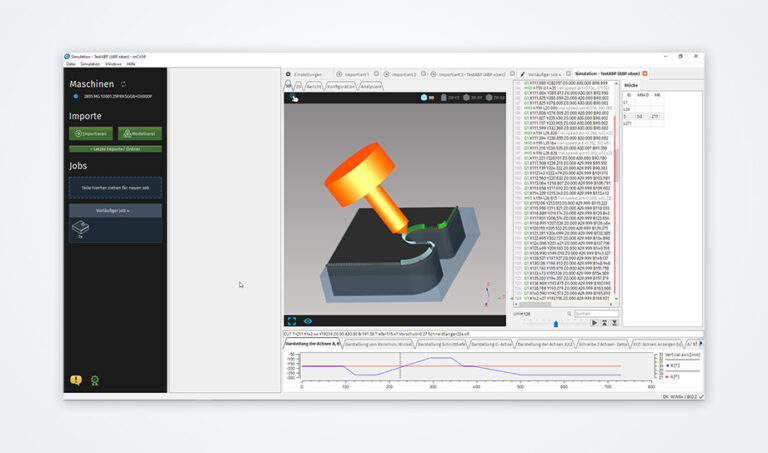
For MicroStep machines with a laser scanner and ABP feature, Asper® allows to generate the tool movement for adding bevels to already straight-cut parts. The complete process (straight
cutting and subsequent beveling) takes place on the same machine – this saves space in production and significantly reduces the time for part handling.

With just a few simple steps, you can add weld seam preparations to your cutting plans. Just choose the bevel type, angle, and land height.
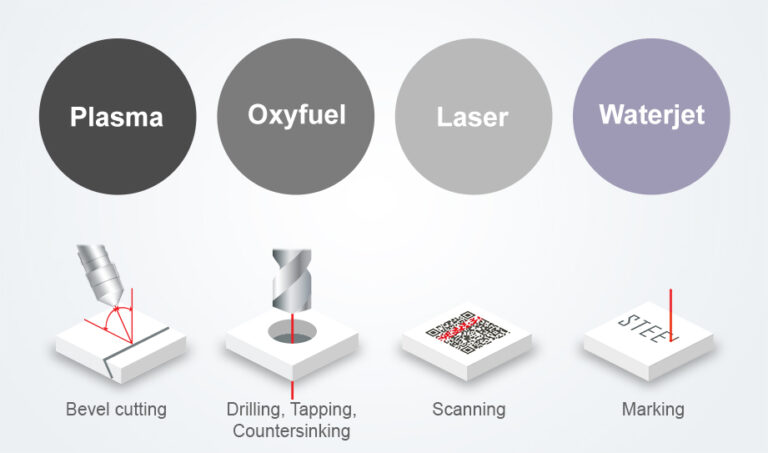
Asper® is designed to take full advantage of all technologies on your MicroStep machine. For example, multiple technologies can be used within a single cutting program.
To avoid local overheating of the plate during cutting, the HeatControl® functionality ensures dynamic distribution of the cutting path over the entire plate. This minimizes local heat deformation and protects consumables.
The SpeedControl® functionality regulates the cutting speed on all MicroStep machines to optimize the cutting quality in tight corners and arcs.
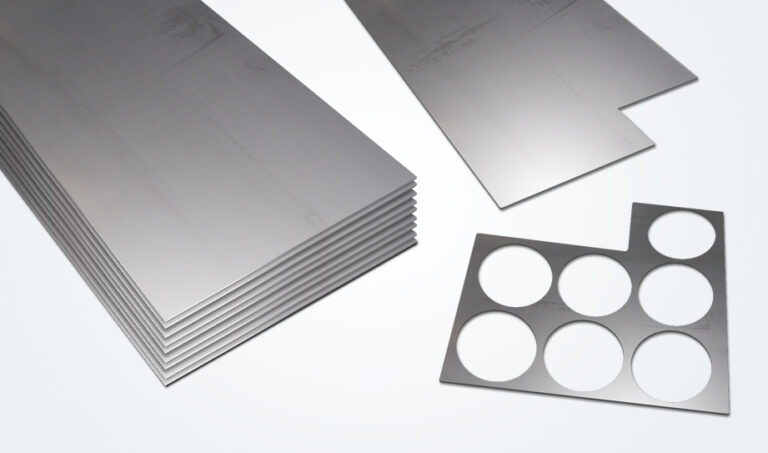
Make the most of your plates by generating the rest plate shapes in Asper®, including the residual material, and using it later for nesting and cutting.
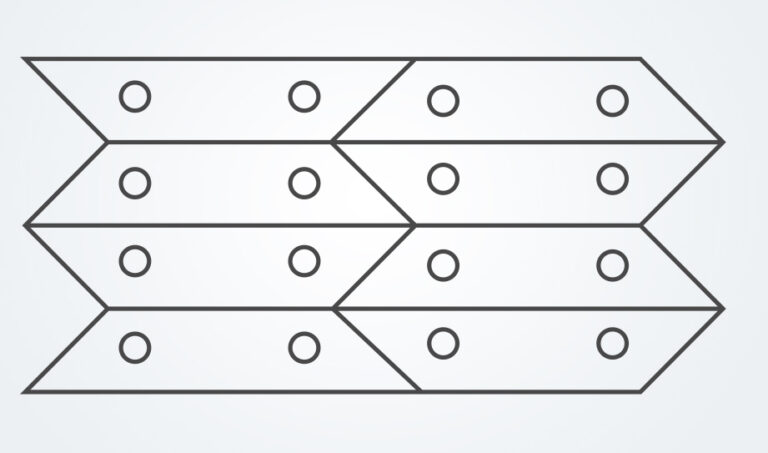
If desired, the parts can be nested in a way that allows some of their contours to be cut at once, minimizing the number of lead-ins and lead-outs. This has a positive influence on consumable life, saves cutting time and material.

Asper® nests the parts fully automatically to achieve optimal utilization of material. The user gets to choose from different nesting criteria: maximum material utilization, order priority, shortest cut time or others. For fine-tuning of material utilization results, an optional Optimizer feature can be included.
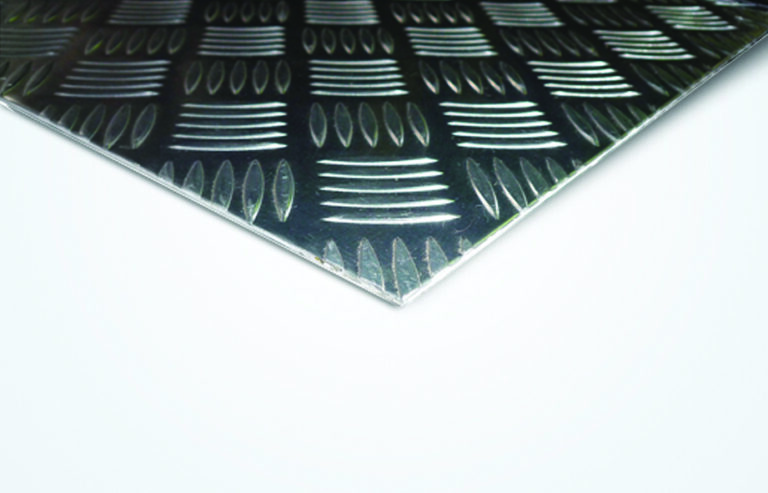
Asper® Nesting takes into account the type and thickness of the plate to ensure that the parts are always cut from the correct material.

In conjunction with the MicroStep production management solution CyberFab® Manager, individual parts can be sorted according to various criteria, such as the order number, customer
number, material thickness, or material type, allowing them to be more easily managed. Plate and residual material management is also included.
to global brands